Claude looks at the screen and decides what to tap.
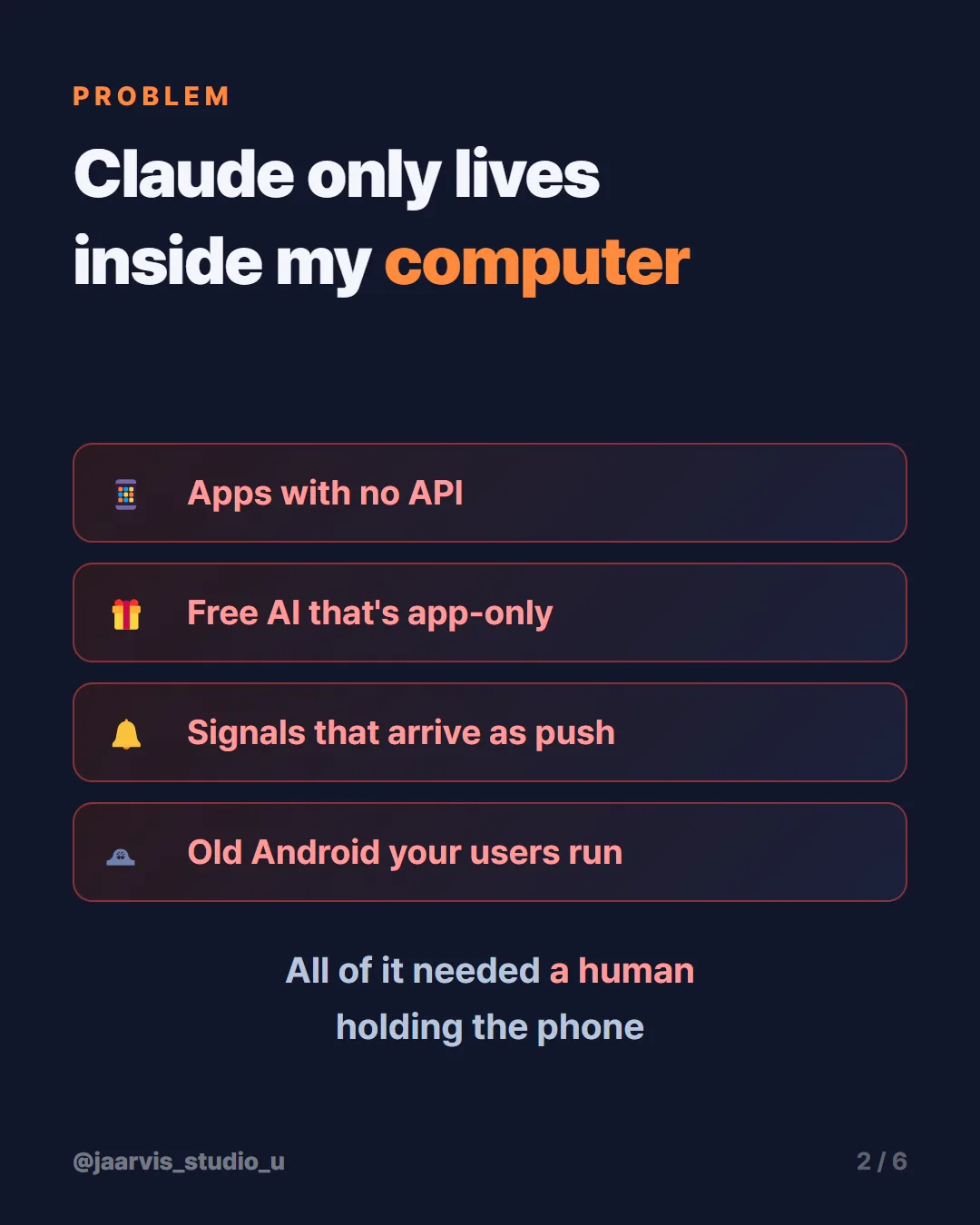
There is a wall you hit every time you try to hand work to an AI. Claude only lives inside my computer. Anything that exists only on a phone — an app with no API, a free AI tier that only ships in the mobile app, a signal that arrives as a push notification — still needed a human to pick up the phone and do it.
So I gave Claude a phone. Now I can just say it:
"Open the app on the phone, send this prompt,
 and bring back the result."
Claude actually looks at the screen
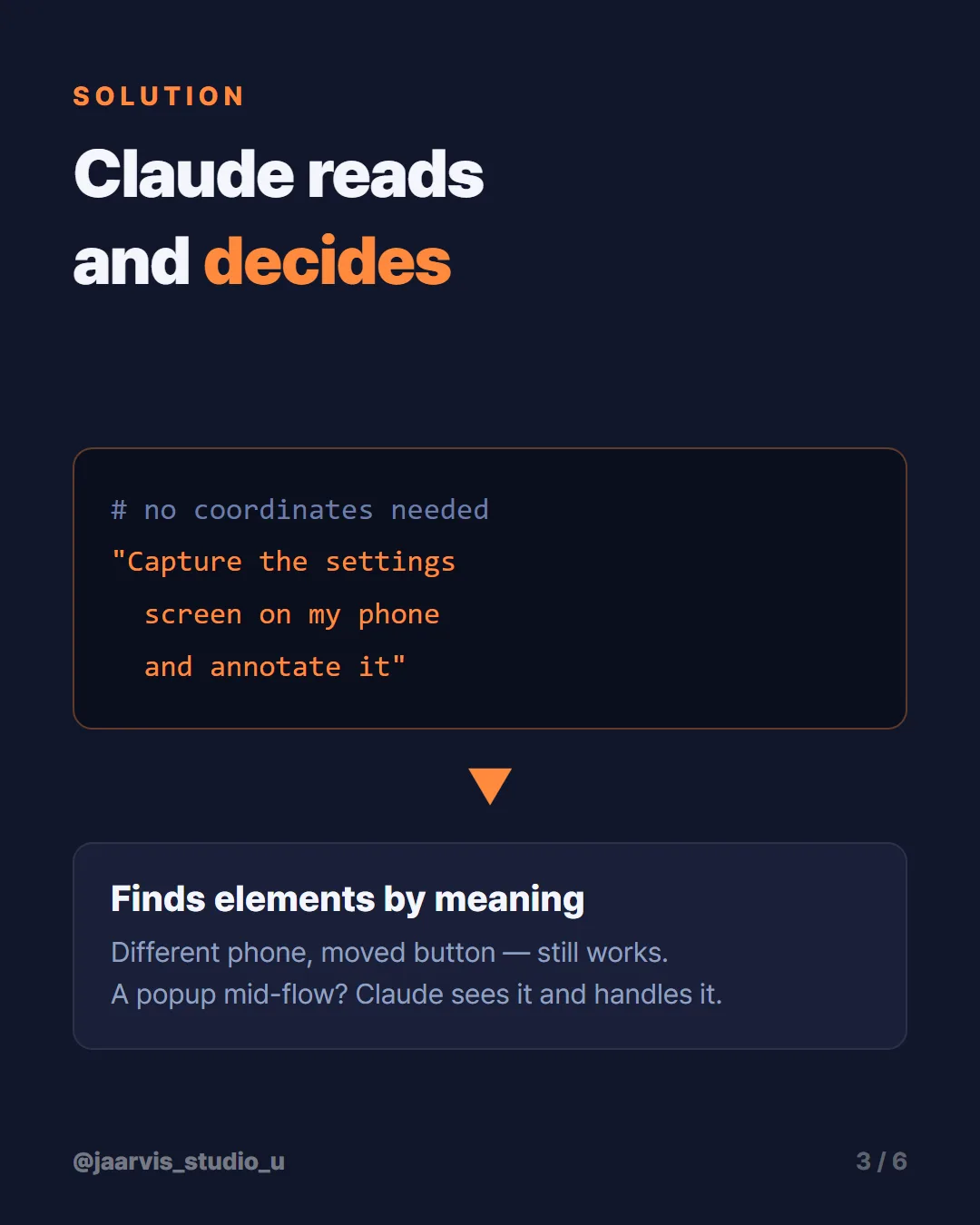
The whole point is that Claude reads the screen and decides its own next move. I never give it coordinates.
That distinction is not academic. It is the difference between something that works and something that breaks the moment anything changes.
I learned this the expensive way. A sequence that worked perfectly on my first phone tapped the search bar on the second one. The screen was 720px, not 1080. I had trusted coordinates. Once Claude read the screen and decided for itself, the same instructions ran on any device.
The same property handles surprises. Mid-run, an emergency broadcast text once covered the whole screen. Claude saw it, dismissed it, and carried on. A coordinate-following script would have tapped straight through it.
The manual comes out with the work
Automation has a strange gap in it. The job finishes, the result exists, and how it was done is recorded nowhere. To show anyone else, a human goes back and re-records the screen, takes captures, and draws arrows on them.
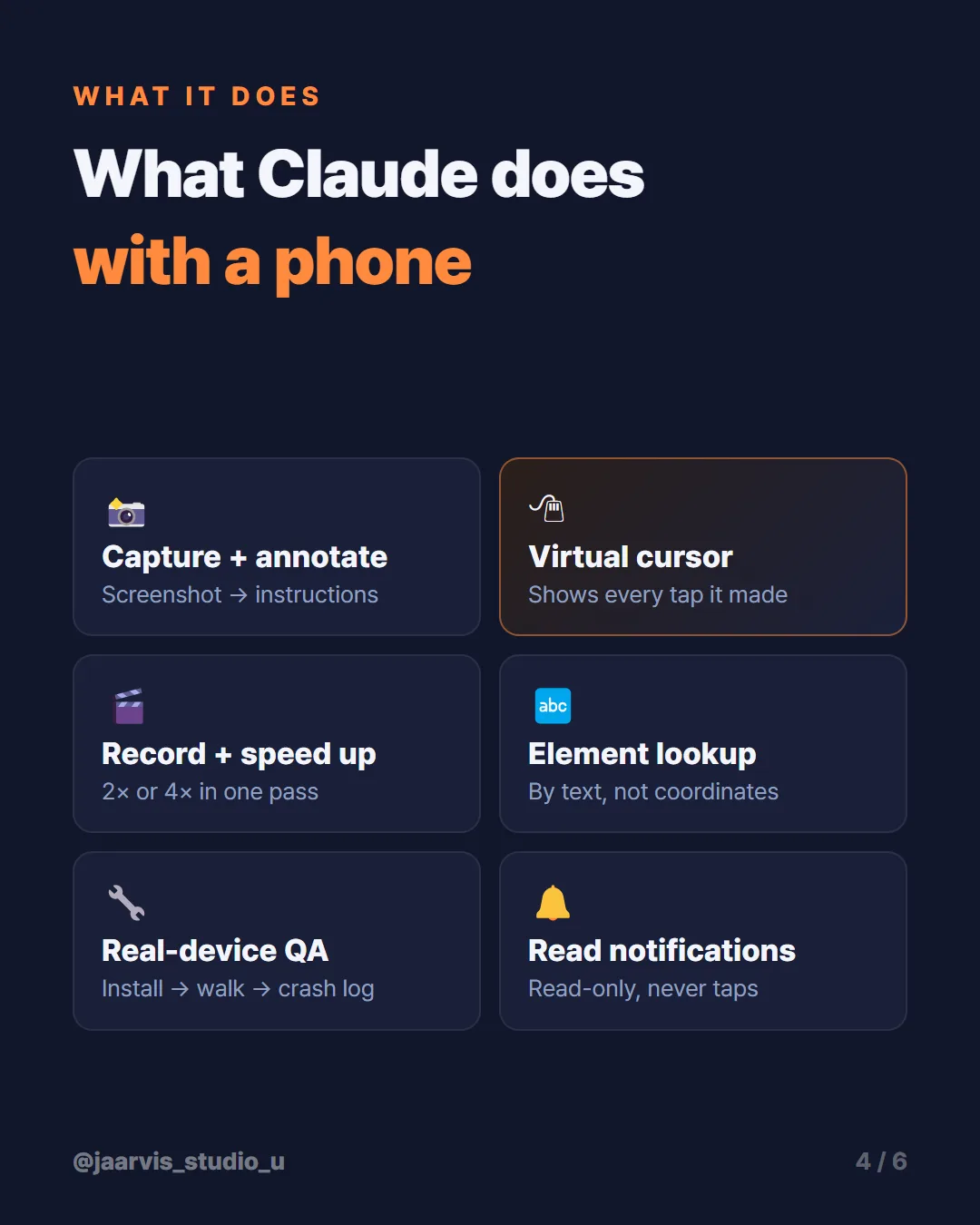
So while Claude drives the phone, it logs where it tapped and when — and that log is drawn as the cursor in the finished video.
The cursor was never filmed. It is rendered from what Claude actually did, which means it is exact — not a human afterwards guessing "I think I tapped around here." There is a useful side effect: you can visually verify what Claude did. If it tapped the wrong thing, you see it in the video.
The OS refused, so I drew it myself
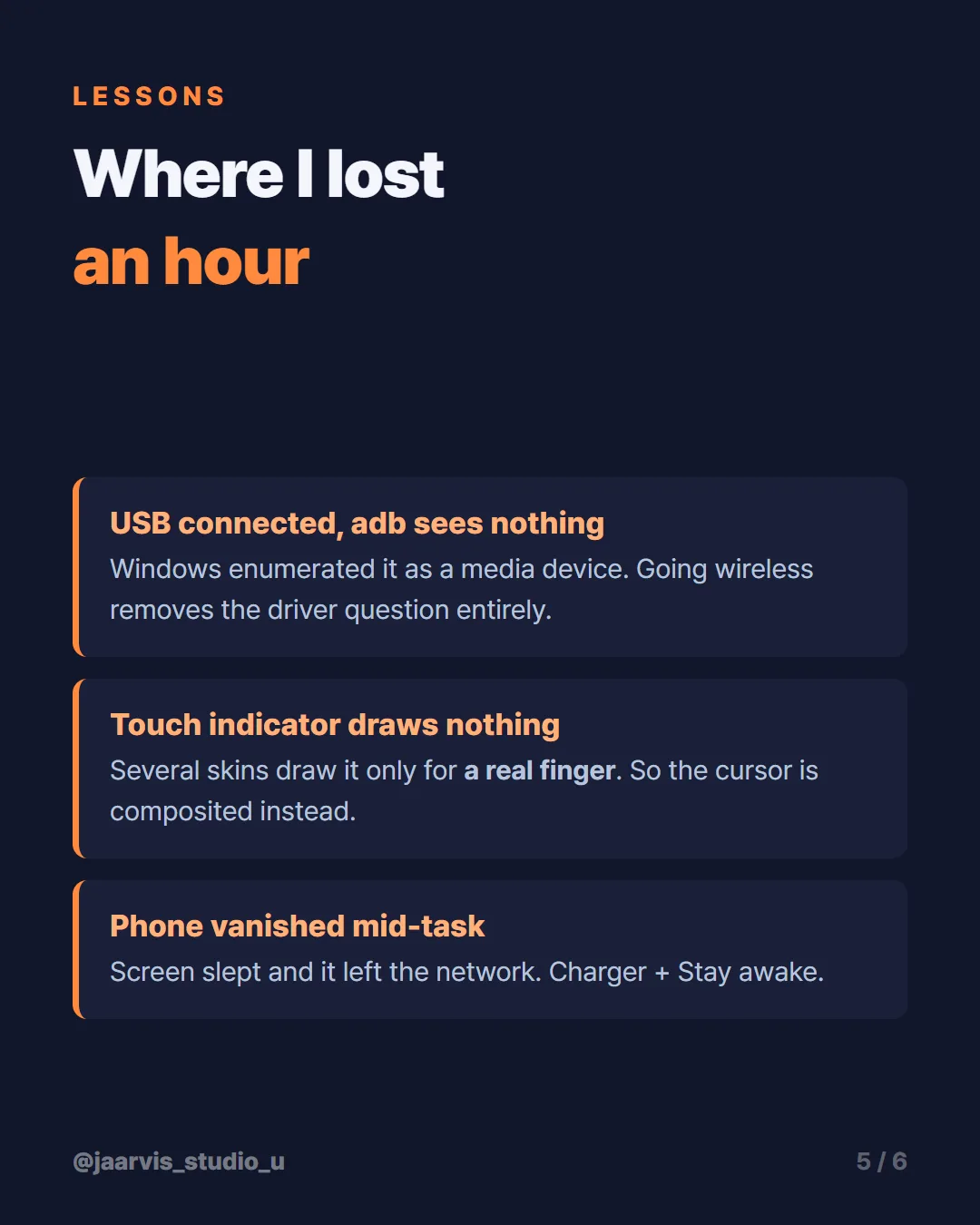
I assumed none of this was necessary. Android developer options have a "Show taps" setting. I turned it on, recorded, and the video was empty.
It took a while to find why. Several manufacturer skins draw that indicator only for real fingers. A tap injected by automation is not a "finger" as far as the system is concerned, so it leaves no mark. It is a feature that works when a human demos and fails when a machine does.
Being blocked turned out better. I already had the coordinates and timestamps, so I draw the cursor myself: no dependence on OS support, the cursor matches the brand, and it looks identical on every device.
A screenshot becomes documentation
Ask for "mark what to tap on this screen" and you get an annotated capture back. Because Claude can read the screen elements, it knows where the numbers go. A human only supplies meaning — "1 is turn this on, 2 is copy this value."
And it persists as a file. When the app updates, you re-run the same command. The documentation does not rot — which is exactly where it parts ways with every guide that gets abandoned after one release.
The phone reaches past what the PC can do
This is the real reason the tool exists.
| Only on the phone | What Claude can now do |
|---|---|
| Apps with no API | Drive apps that have no web version, or a weaker one |
| App-only free AI tiers | Use on mobile what costs money on desktop, and bring the result back |
| Push notifications | Catch signals that arrive only as alerts — comments, orders, reviews |
| Old Android versions | Reproduce bugs that never appear on your current device |
That last row matters more than it looks. The old phone your modern tooling refuses to run on is the exact device your users are complaining from.
"Check this app on the old phone."Claude installs it, walks the screens, captures each step, collects crash logs, and returns a report. The dead phone in your drawer becomes a QA device. Connect several and Claude uses them at once — as I write this there are three phones and a tablet sitting on chargers.
The hours I lost, so you do not have to
| Symptom | Cause and fix |
|---|---|
adb devices is empty over USB | Windows saw it as a media device only. An hour gone chasing drivers → switching to wireless made the problem disappear entirely |
| A working port suddenly refuses | The wireless debugging port changes every time you toggle it → pin it with adb tcpip 5555 |
| Pairing succeeds, connecting fails | The pairing dialog's port and the connect port are different numbers. You have to read two places on screen |
| The phone vanishes mid-run | Screen turns off → device drops off the network. Keep it charging with "stay awake" on |
| Cursor compositing took 5 minutes | It was recomputing the cursor every frame → build it once and reuse: 3.5 seconds |
That table ships inside the skill's reference docs, so nobody loses the same hour I did.
The one thing worth taking
If you build any kind of screen automation, take this and skip the rest:
Do not hard-code coordinates. Have the model read the screen and decide. Coordinates break on the next device, the next app update, and the first unexpected popup. Reading the screen survives all three.
The short version
AI coding workflows, tested on real work — not demos. New posts weekly.